Creating a home workspace that is both relaxing and productive can make a significant difference to your workday. Whether you’re working remotely full-time, freelancing, or just need a spot for occasional tasks, having a dedicated area that supports focus and calm is essential. This guide offers simple, practical tips to help you design a space that encourages efficiency while keeping stress levels low.
Why a Good Home Workspace Matters
Working from home has many advantages, but it can also blur the lines between personal and professional life. A well-organised and pleasant workspace helps you:
– Stay focused and organised
– Reduce distractions
– Maintain a healthy work-life balance
– Improve your overall comfort and wellbeing
By investing some thought into your working environment, you can make your home office a place you enjoy spending time in.
Choosing the Right Location
Find a Quiet Spot
Select a space where you can work with minimal interruptions. If possible, choose a room with a door to separate work from home life. If this isn’t an option, use screens or partitions to create a sense of boundary.
Make the Most of Natural Light
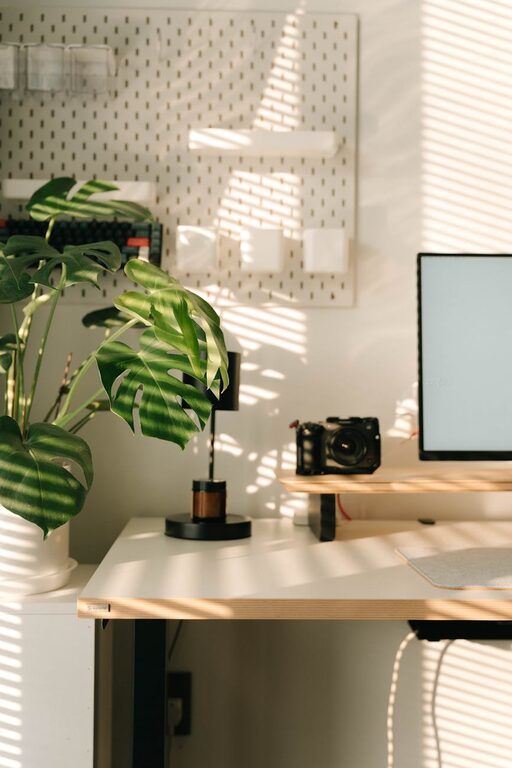
Position your desk near a window to benefit from daylight, which is proven to boost mood and productivity. Avoid glare on your computer screen by placing your desk so the light comes from the side rather than directly behind or in front of you.
Consider Your Needs
Think about what you use most when working—computer, paperwork, phone calls—and choose a space that accommodates these easily.
Organising Your Workspace for Efficiency
Keep Surfaces Clear
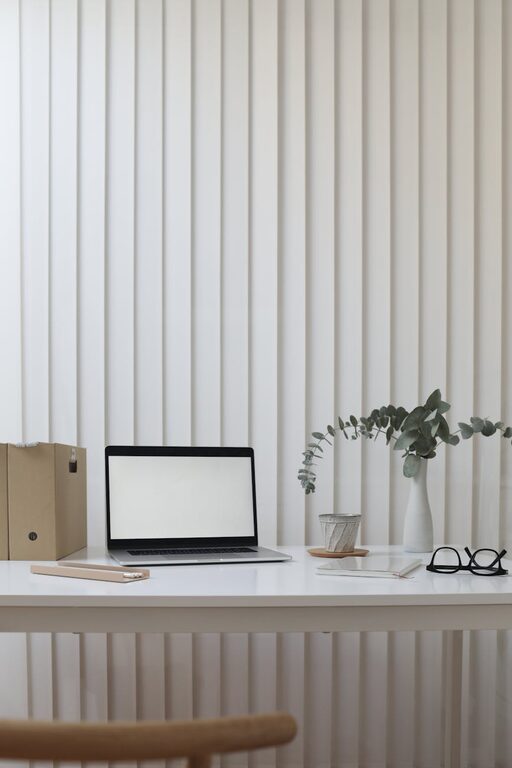
A clutter-free desk helps to keep your mind clear. Only keep essential items like your computer, notebook, and necessary stationery within reach.
Use Storage Solutions
Shelves, drawers, and boxes can keep supplies organised and out of sight. Label storage containers to find things quickly and avoid distractions.
Cable Management
Messy cables can be distracting and make your desk look untidy. Use cable clips or sleeves to keep wires organised and under control.
Creating Comfort and Support
Invest in a Good Chair
A comfortable chair with proper lumbar support is crucial. Sitting for hours without support can cause discomfort and reduce concentration.
Desk Height and Position
Ensure your desk height allows your arms to rest comfortably at a 90-degree angle when typing. Your computer screen should be at eye level to avoid neck strain.
Personalise Your Space
Add personal touches like a favourite photo, a small plant, or artwork to make your workspace inviting without overwhelming it.
Promoting Relaxation and Wellbeing
Incorporate Plants
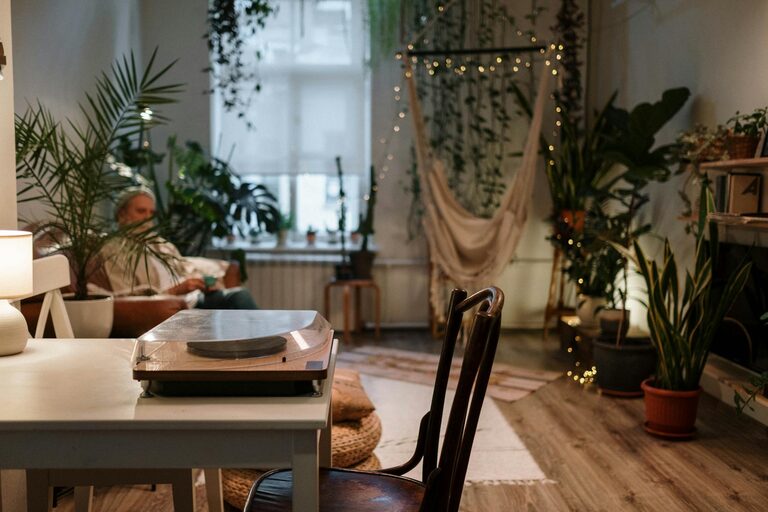
Indoor plants can improve air quality and add a calming presence. Choose low-maintenance plants such as succulents or spider plants.
Control Lighting
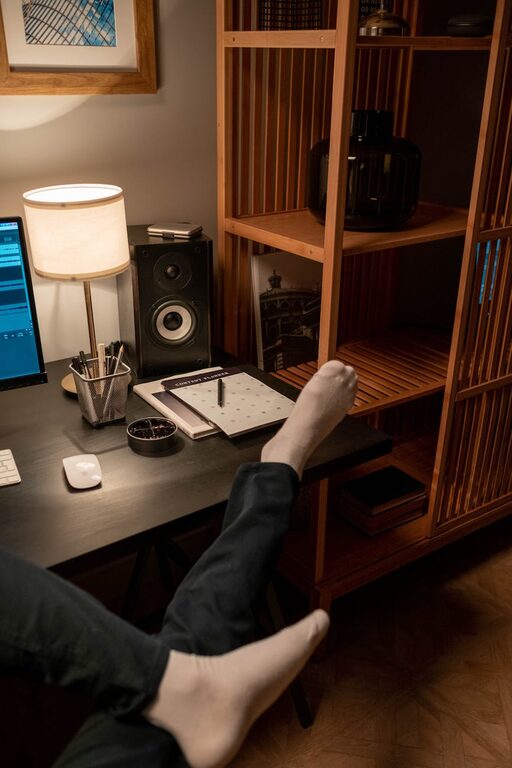
Use adjustable lighting so you can control brightness throughout the day. Consider a desk lamp with warm light for late afternoons or evenings.
Take Breaks
Set reminders to stand up, stretch, and rest your eyes regularly. Short, frequent breaks improve focus and reduce fatigue.
Minimising Distractions
Limit Noise
If noise is an issue, try noise-cancelling headphones or soft background music to maintain concentration.
Turn Off Notifications
Silence or turn off non-essential notifications on your devices to reduce interruptions.
Create a Routine
Set clear work hours and communicate them with household members to minimise distractions.
Optimising Technology and Tools
Reliable Wi-Fi and Equipment
Ensure a strong internet connection to avoid frustration. Invest in a good-quality keyboard, mouse, and monitor if possible.
Use Productivity Apps
Organise tasks and time with apps like calendars, to-do lists, or focus timers.
Backup Your Work
Regularly save your files and use cloud storage to prevent data loss.
Keeping It Simple and Functional
Remember, your workspace doesn’t need to be elaborate or expensive to be effective. Focus on simplicity, comfort, and functionality. Regularly review your setup and make adjustments as needed to suit your changing work habits or preferences.
By following these straightforward tips, you can create a home workspace that supports both productivity and relaxation — helping you to work more efficiently while maintaining balance and wellbeing.
About the Author