
Creating a home workspace that is both relaxing and productive is essential for anyone working remotely or studying from home. A well-designed space can improve focus, reduce stress, and make your working hours more enjoyable. Here are some practical tips to help you set up a home workspace that suits your needs and enhances your work-life balance.
Choose the Right Location
Find a Quiet Spot
Selecting a quiet area in your home is crucial for concentration. Try to avoid spaces near high-traffic areas like the kitchen or living room where distractions are common.
Consider Natural Light
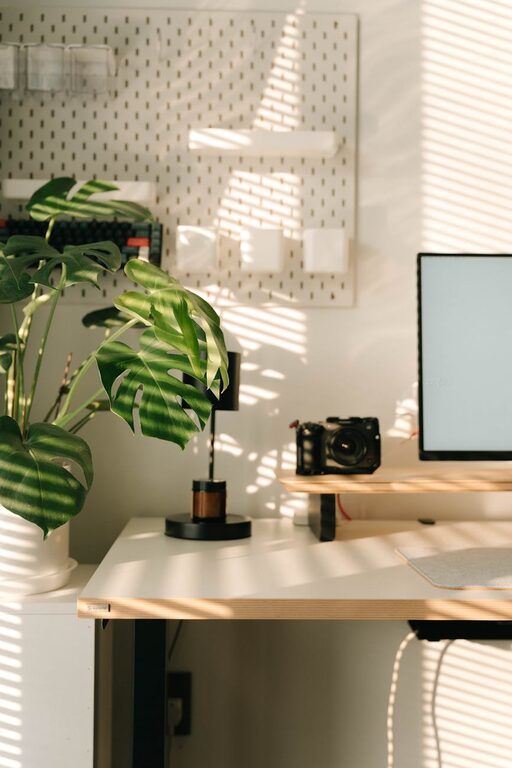
Position your desk near a window if possible. Natural light can boost mood and energy levels, reducing eye strain caused by artificial lighting.
Invest in Comfortable Furniture
Ergonomic Chair
An ergonomic chair supports good posture and prevents back pain during long working hours. Look for adjustable features such as seat height, lumbar support, and armrests.
Spacious Desk
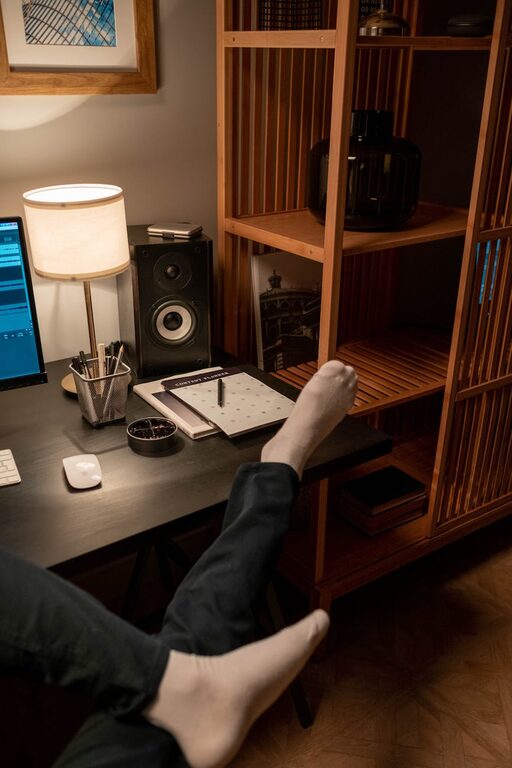
Choose a desk that provides enough surface area for your computer, documents, and other essentials. A clutter-free desk can help maintain focus and organisation.
Personalise Your Space
Use Calming Colours
Soft, neutral colours like light blues, greens, or greys help create a relaxing atmosphere. Avoid overly bright or distracting colours that might disrupt concentration.
Add Personal Touches
Decorate with plants, artwork, or photos that inspire you. Greenery is especially beneficial, as it can reduce stress and improve air quality.
Optimise Lighting
Combine Natural and Artificial Light
While natural light is preferred, make sure your workspace has adequate artificial lighting for cloudy days or evening work. Choose warm, adjustable LED lights to avoid glare.
Reduce Screen Glare
Position your computer screen to prevent reflections from windows or lights. Use anti-glare screen protectors if necessary.
Organise Efficiently
Declutter Regularly
Keep your workspace tidy by regularly sorting and removing unnecessary items. A clean desk promotes clearer thinking and productivity.
Use Storage Solutions
Incorporate shelves, drawers, or organisers to keep paperwork and supplies neatly stored away but easily accessible.
Manage Noise Levels
Use Noise-Cancelling Headphones
If you cannot avoid background noise, noise-cancelling headphones can help you concentrate better.
Consider Soundproofing
Simple solutions like thick curtains, rugs, or acoustic panels can absorb sound and create a quieter environment.
Establish Boundaries
Define Work Hours
Set clear working hours to avoid burnout. Inform family members or housemates about your schedule to minimise interruptions.
Separate Work and Relaxation Spaces
If possible, keep your workspace separate from areas you use for relaxing to help mentally switch between work and rest.
Incorporate Break Areas
Create a Comfortable Spot for Breaks
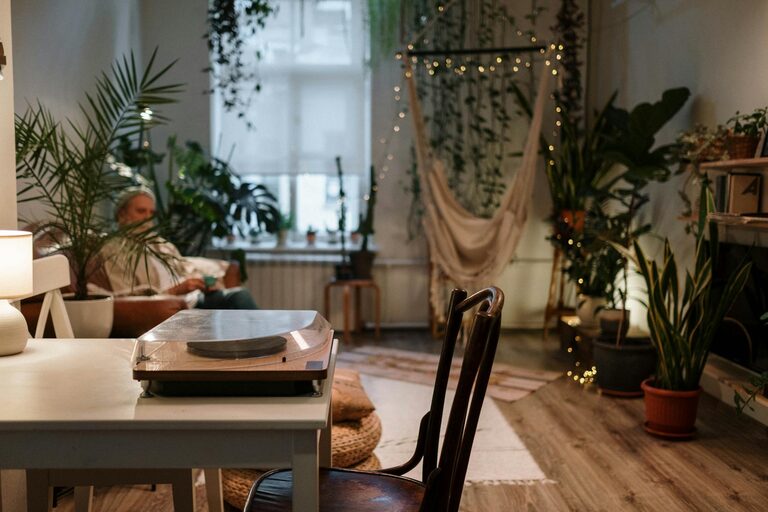
Having a nearby area with a cosy chair or cushions encourages you to take regular breaks, essential for maintaining productivity and reducing stress.
Practice Mindfulness or Stretching
Use your breaks to stretch, breathe deeply, or do a short mindfulness exercise to refresh your mind and body.
Ensure Technical Efficiency
Reliable Internet Connection
A fast and stable internet connection prevents frustration and supports smooth communication during work.
Organise Cables and Devices
Use cable organisers to keep electrical cords neat and reduce trip hazards. Keep all devices within reach but not cluttered.
Stay Hydrated and Nourished
Keep a water bottle nearby and have healthy snacks available to maintain energy levels throughout your workday.
—
Creating a home workspace that balances relaxation and productivity involves thoughtful planning and personalisation. By choosing the right location, investing in comfort, maintaining organisation, and setting boundaries, you can build a space that supports your well-being and work goals. Take your time to adjust and refine your setup to find what works best for you.
About the Author