Creating a home office that is both relaxing and productive can be a game-changer for anyone working remotely or running a business from home. A well-thought-out space helps you stay focused, reduces stress, and enhances creativity. Whether you have a dedicated room or a small corner, there are many ways to transform your area into a functional and peaceful workplace. In this post, we explore practical tips to help you design the perfect home office.
1. Choose the Right Location
Choosing the ideal spot for your home office is the first step towards productivity. Ideally, pick a quiet area away from distractions such as the television, busy hallways, or noisy kitchens.
– Natural Light: Locate your desk near a window to benefit from natural daylight, which boosts mood and energy.
– Privacy: If possible, choose a space where you can close a door to reduce interruptions.
– Comfort: Avoid areas that are too cold, hot, or damp.
2. Invest in Ergonomic Furniture
Comfort is key for long hours of work. Ergonomic furniture supports your body and prevents discomfort or injury.
– Desk: Ensure your desk height suits your body and allows comfortable arm placement.
– Chair: Choose an adjustable chair with proper lumbar support.
– Footrest: Consider a footrest if your feet don’t comfortably reach the floor.
These features help maintain good posture and reduce strain.
3. Keep It Organised and Clutter-Free
A tidy workspace promotes clear thinking and efficiency.
– Storage Solutions: Use shelves, drawers, or filing cabinets to keep documents and supplies out of sight.
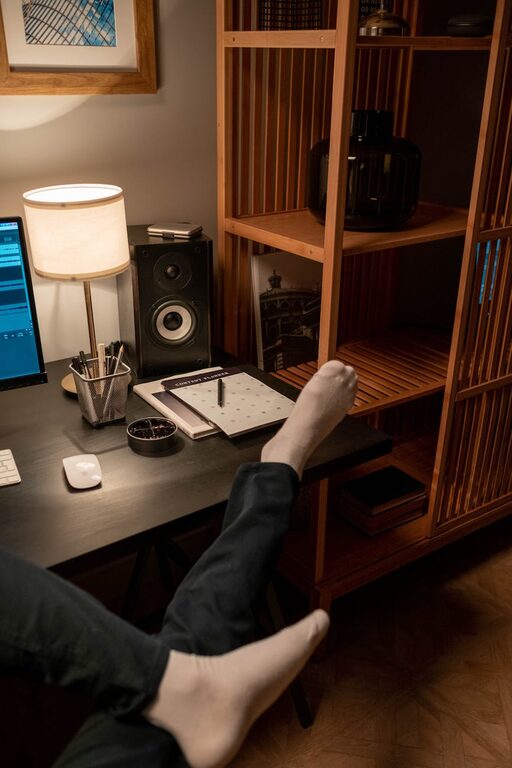
– Desk Organisers: Keep pens, notebooks, and gadgets neatly arranged.
– Cable Management: Use clips or cable trays to avoid tangled wires.
Set aside a few minutes at the end of each day to tidy your area.
4. Personalise Your Space Thoughtfully
Adding personal touches can make your workspace more inviting, but avoid over-cluttering.
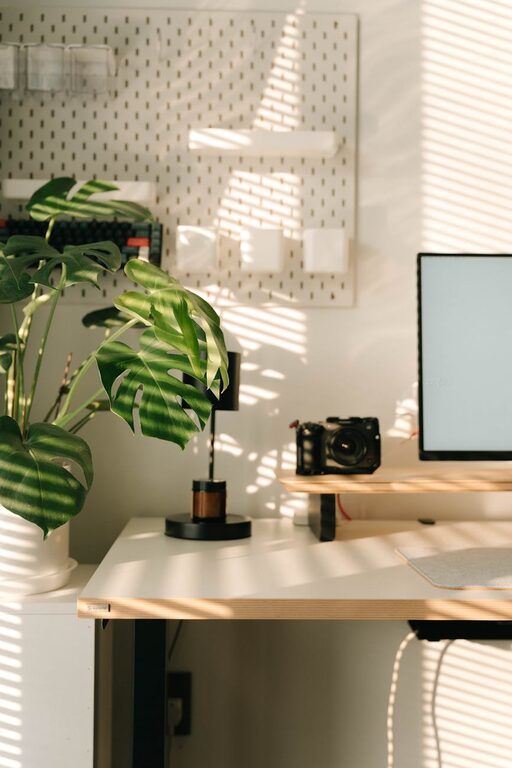
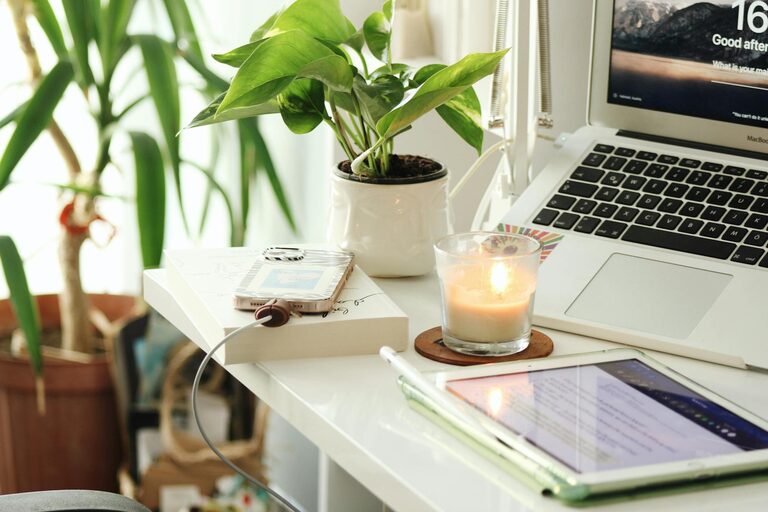
– Plants: Small indoor plants improve air quality and add a calming touch.
– Artwork or Photos: Choose images that inspire or relax you.
– Colours: Soft, neutral colours tend to be more soothing, but a splash of your favourite colour can energise the room.
Balance personality with professionalism to keep the area motivating.
5. Optimise Lighting
Lighting affects both productivity and mood.
– Natural Light: Maximise daylight during working hours.
– Task Lighting: Use adjustable desk lamps to reduce eye strain.
– Ambient Lighting: Soft overhead lights create a comfortable atmosphere.
Avoid harsh fluorescent lights where possible.
6. Manage Noise Levels
Noise can be distracting, so consider ways to control it.
– Noise-Cancelling Headphones: Useful if you can’t avoid background sounds.
– Soft Furnishings: Carpets, curtains, and cushions help absorb sound.
– White Noise: Apps or machines can mask disruptive noises with consistent sounds.
Determine what works best for your environment and needs.
7. Design a Functional Layout
Arrange your furniture and equipment for easy use.
– Workflow: Keep frequently used items within arm’s reach.
– Screen Position: Position your computer screen at eye level to reduce neck strain.
– Movement Space: Ensure you have enough room to stretch or move around.
A well-planned layout saves time and improves comfort.
8. Incorporate Break Areas
Taking regular breaks prevents fatigue and maintains focus.
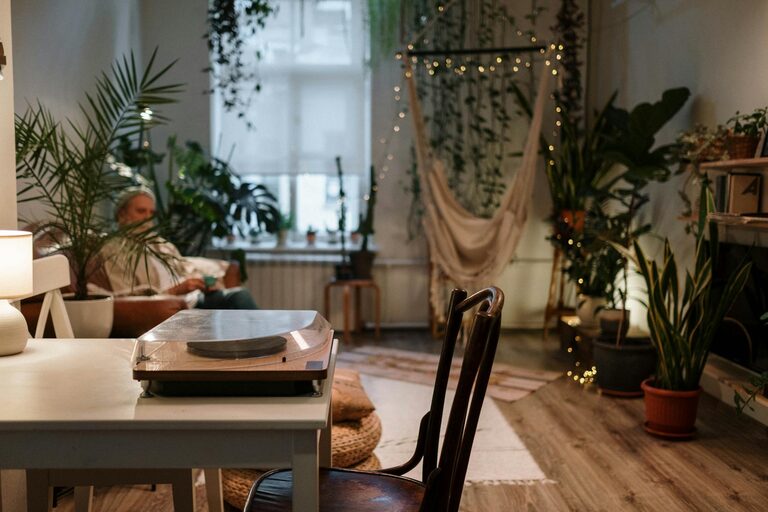
– Separate Zone: If space allows, create a small seating area away from your desk.
– Relaxation Items: Include a cushion, small book collection, or calming objects.
– Refreshments: Keep a water bottle or tea nearby to stay hydrated.
Stepping away from your desk helps refresh your mind.
9. Use Technology Wisely
Technology is essential but should support rather than hinder productivity.
– Reliable Internet: Ensure your connection is stable.
– Effective Tools: Choose software and apps suited to your tasks.
– Declutter Devices: Limit notifications and background apps to reduce distractions.
Regularly update and maintain your equipment for smooth operation.
10. Establish Boundaries
Finally, maintaining boundaries helps protect your work-life balance.
– Set Working Hours: Define when work starts and finishes.
– Inform Others: Let family or housemates know your schedule.
– Physical Boundaries: Use room dividers or signs if needed.
Clear boundaries improve focus and help separate professional time from personal life.
—
Creating a home office that supports both productivity and relaxation is achievable with thoughtful planning and attention to detail. By choosing the right location, investing in comfort, keeping organised, and managing your environment, you can craft a space where work feels less like a chore and more like a productive, enjoyable part of your day. Start small, experiment with changes, and personalise your setup until it works perfectly for you.
About the Author